Doc2Contact is a contact scanner and document-to-contact app that extracts names and phone numbers from images and files using AI. Scan a handwritten contact list, business card, printed contact sheet, or upload a PDF, Excel, or Word file — then review and save the contacts directly to your phone. No need to type every contact manually.
See how simple and fast contact scanning is with Doc2Contact.
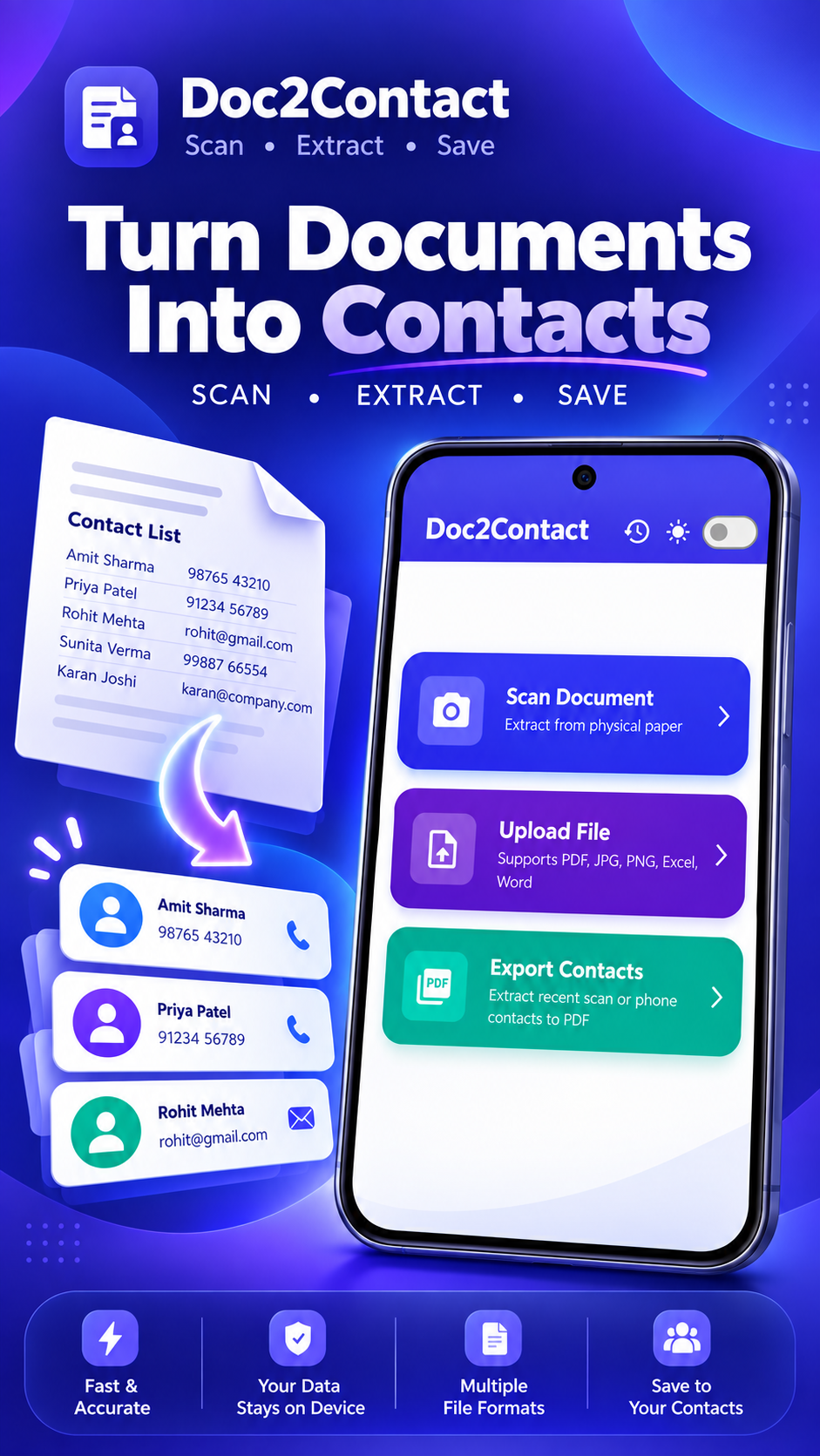
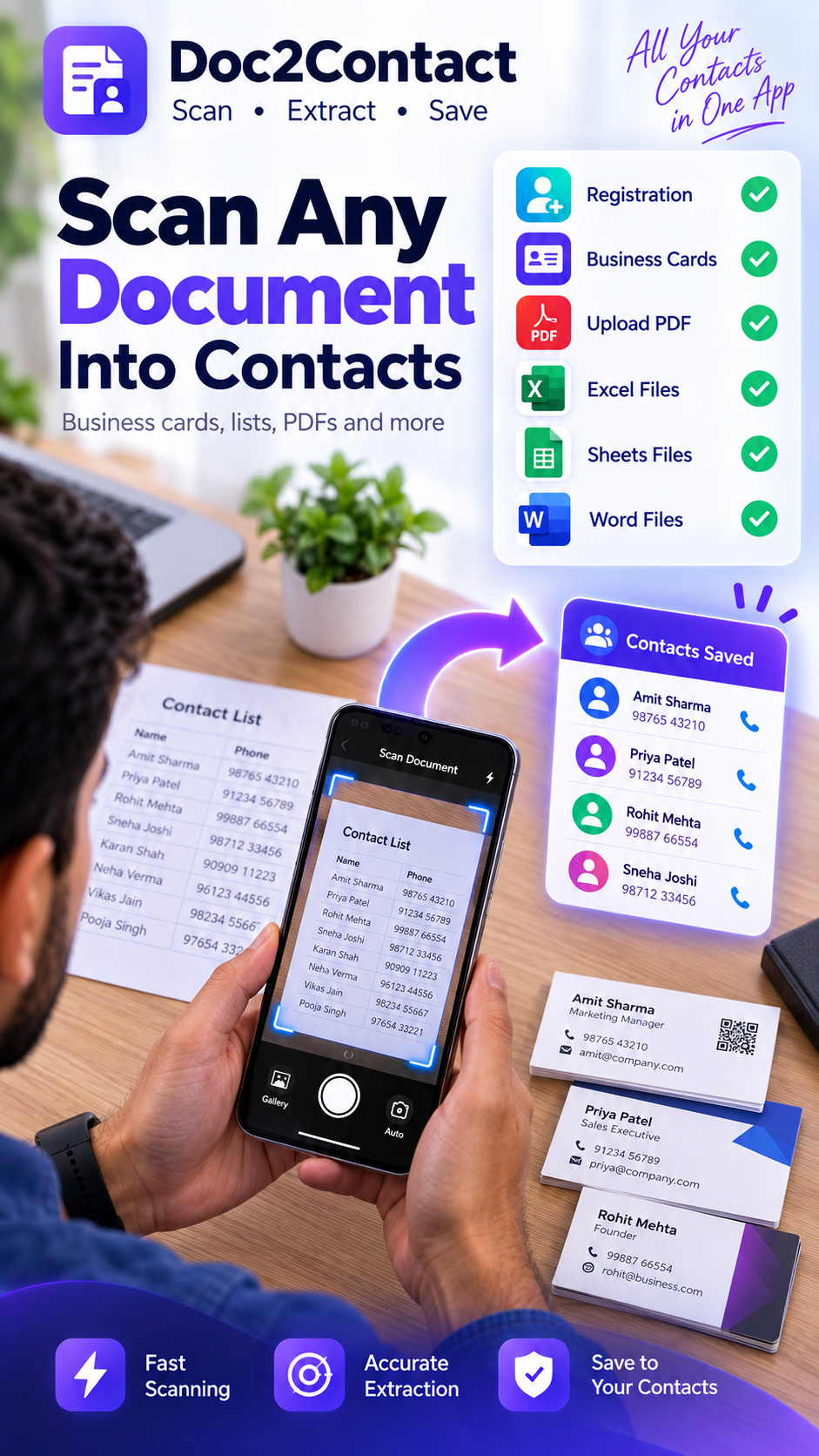
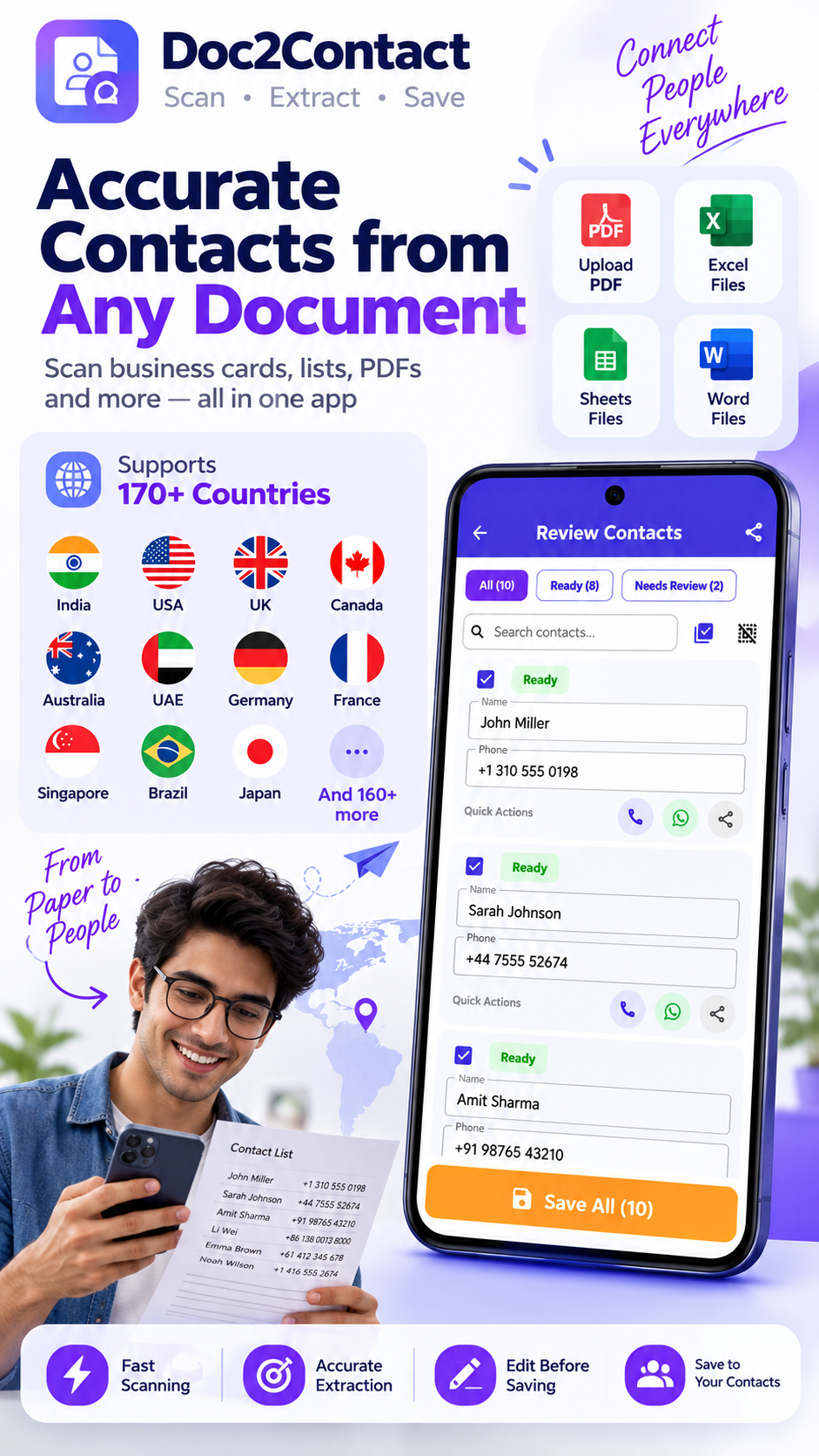
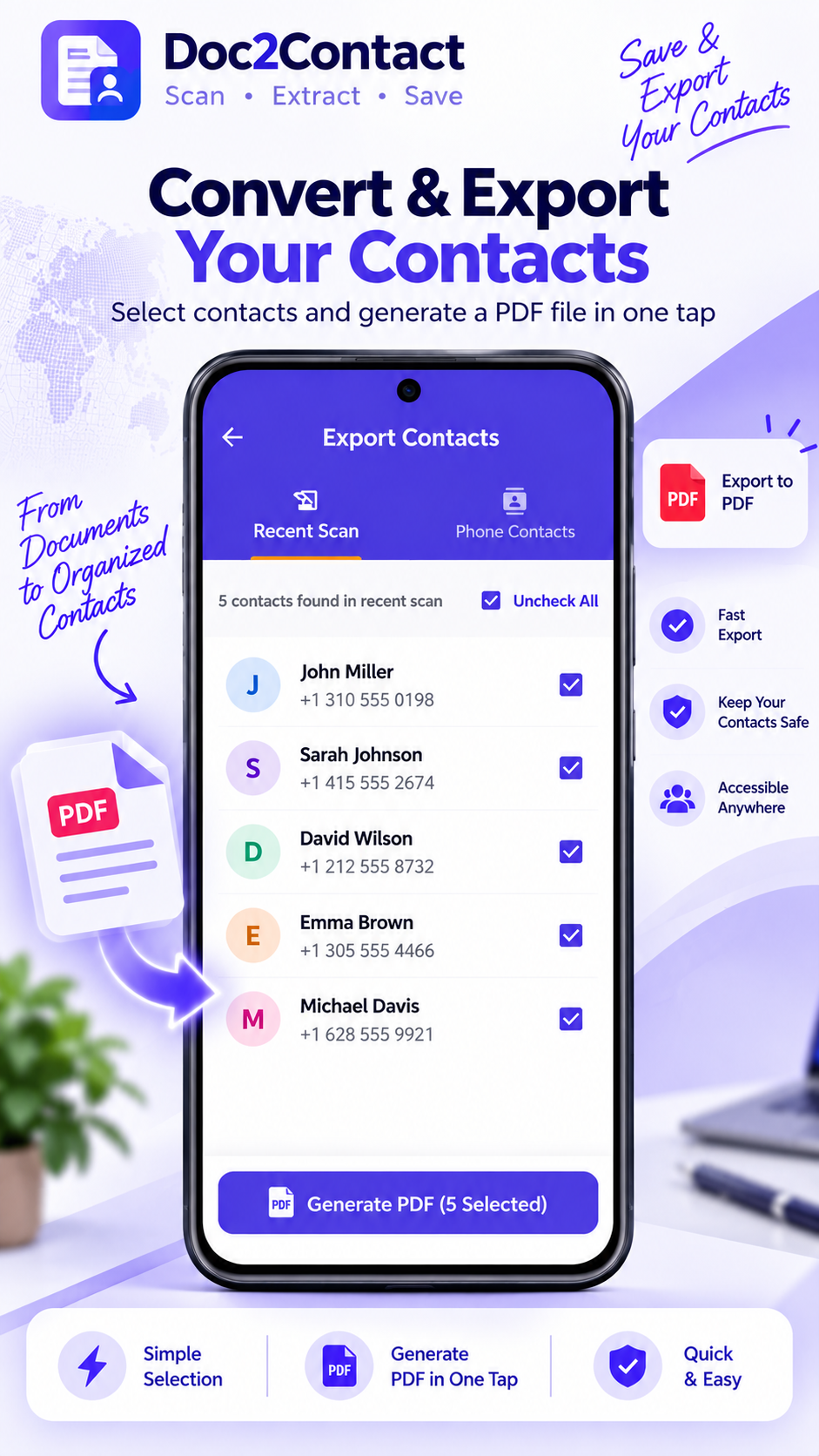
Photograph a document, business card, or handwritten list. Or upload PDF, Excel, or Word files.
AI finds names and phone numbers automatically from your document.
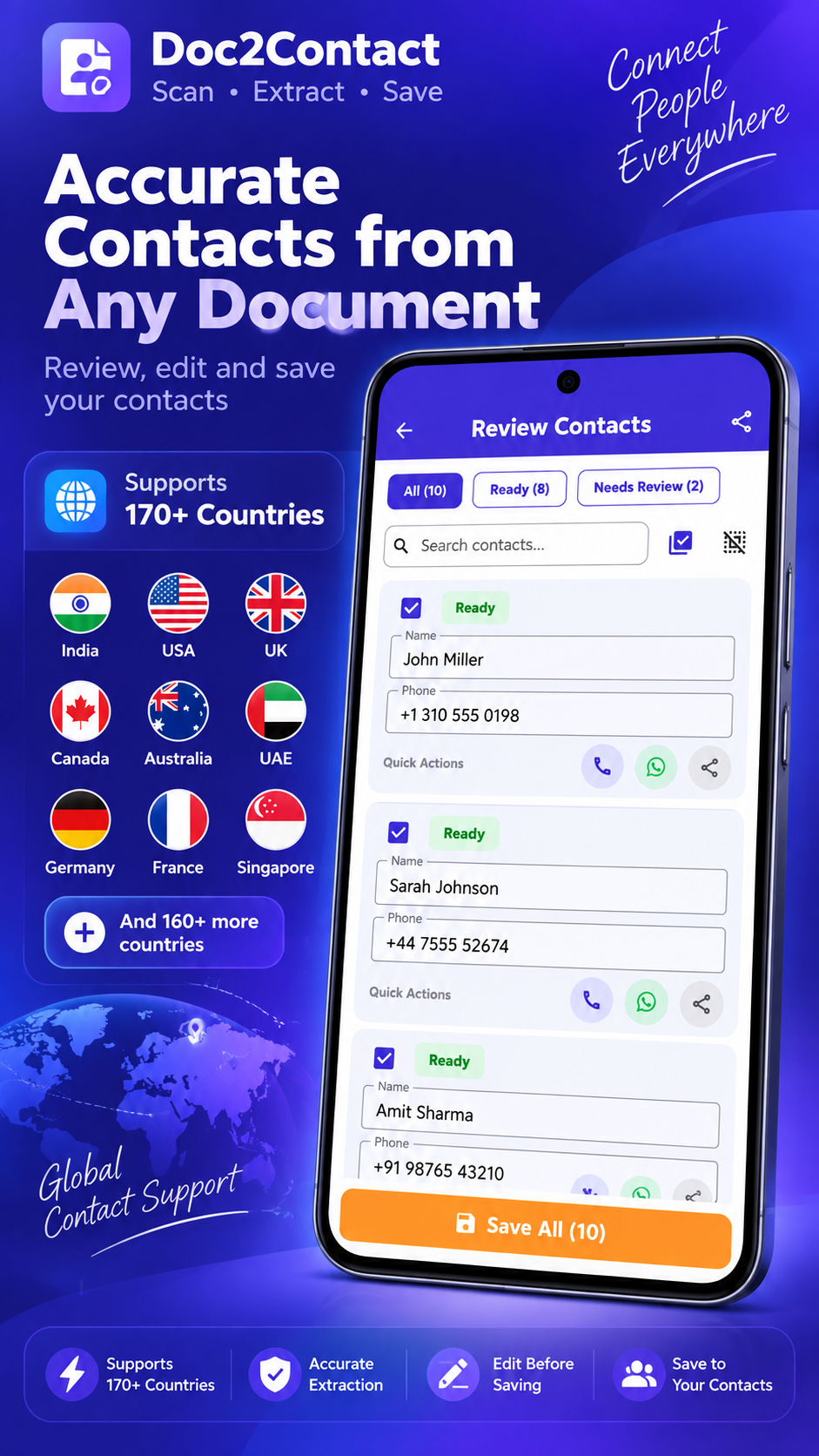
Check extracted contacts, correct anything, and remove entries you don't need.
Save selected contacts directly to your phone's Contacts app in one tap.
Convert student or parent contact lists into phone contacts without typing every number manually.
Scan customer lists, business cards, and contact sheets and save them to your phone.
Quickly convert contact information from documents, notes, and images into usable phone contacts.
Turn printed or digital contact lists into phone contacts quickly.
A contact scanner app extracts names and phone numbers from photos, business cards, handwritten notes, or documents like PDF, Excel, and Word files, then saves them directly to your phone's contacts. Doc2Contact is a free contact scanner app for Android that uses AI to read handwriting and printed text accurately.
With Doc2Contact, take a photo of any document, business card, or handwritten contact list. The app automatically extracts names and phone numbers using AI, lets you review and edit the results, then saves them to your phone's Contacts app with one tap.
Yes. Doc2Contact works as a business card scanner — photograph a business card and it extracts the name and phone number automatically, ready to save to your phone contacts after you review it.
Yes. Doc2Contact supports uploading PDF files (including scanned PDFs), Excel spreadsheets (.xlsx), and Word documents (.docx) to extract contact names and phone numbers automatically.
Yes. Doc2Contact uses AI-powered text recognition specifically designed to handle handwritten contact lists and notes, not just printed text.
Yes, Doc2Contact is free to use with ads. An optional one-time upgrade is available to remove ads and unlock unlimited scans.
No. Doc2Contact works immediately without any account creation or sign-up required.
Scan → Extract → Review → Save. Simple, fast, no sign-up required.
📲 Download Doc2Contact Free